macOS catalog updated remotely
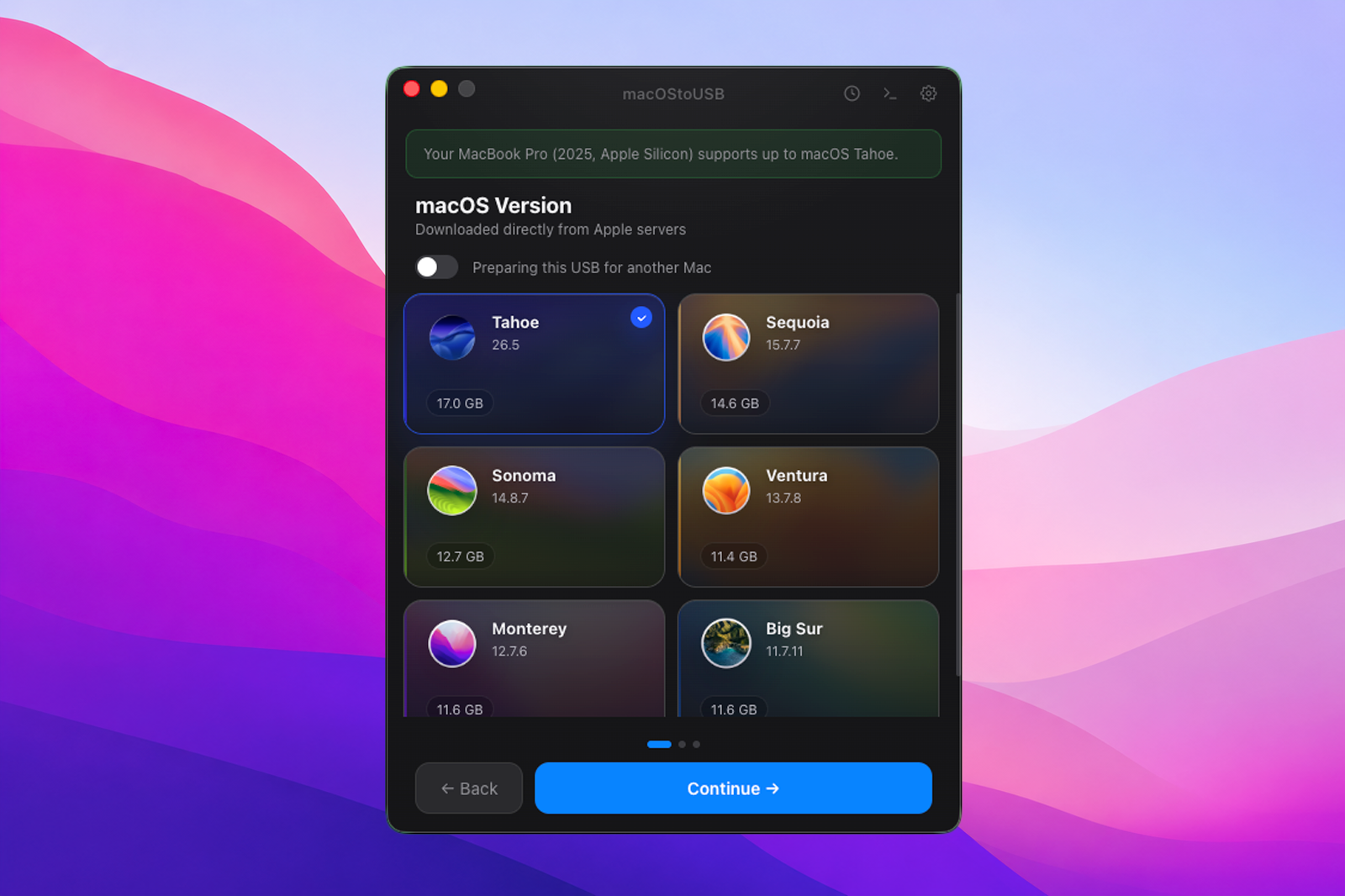
Get instant access to every available macOS version. No manual search for links or hidden installers, the app handles everything for you.
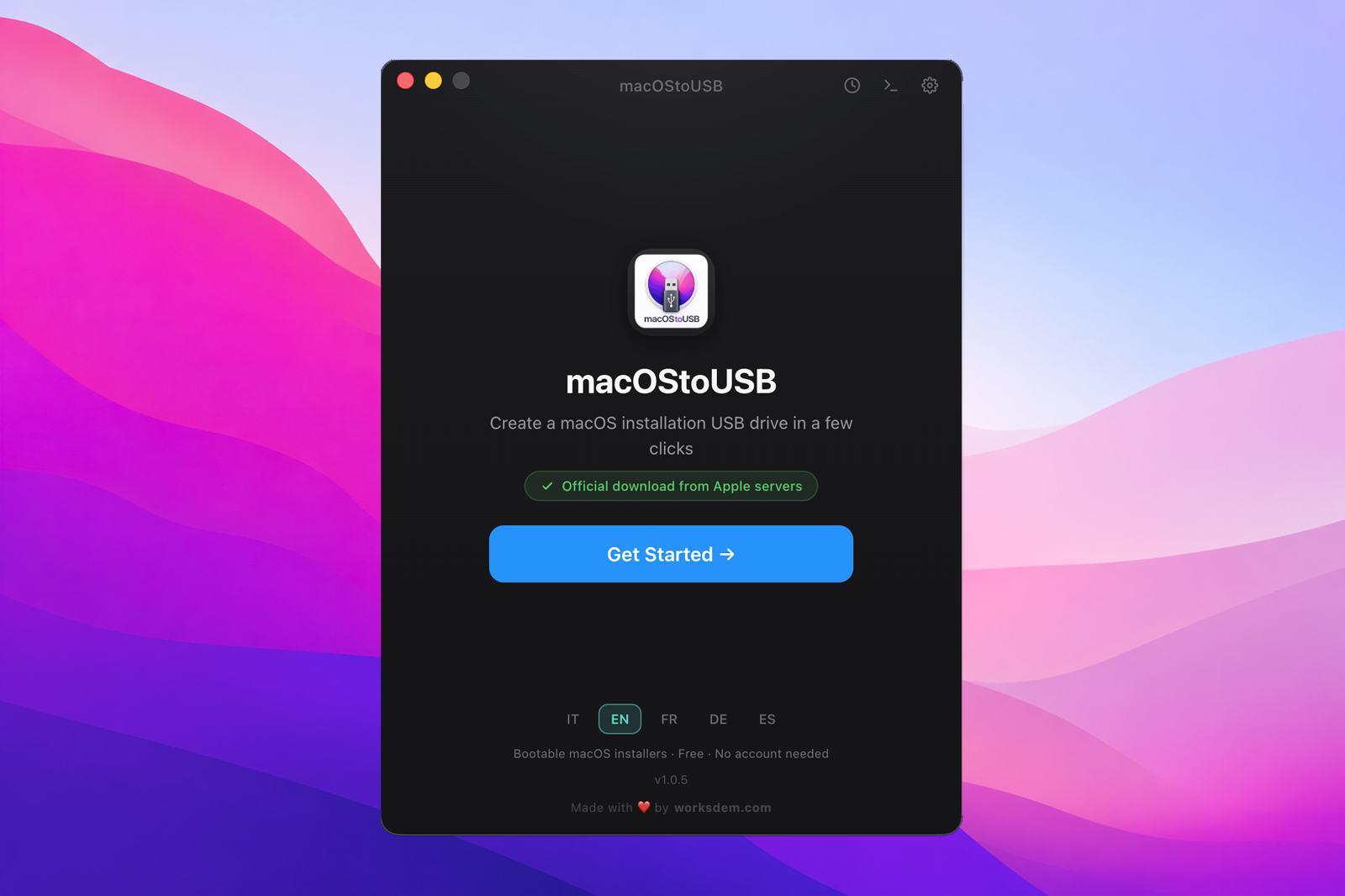
Download official Apple installers and prepare your USB drive in a few clicks. No account required. Completely free.
Free app • No account required • Signed and notarized by Apple
See how it worksWriting macOS, almost done
Every feature is rebuilt to reduce errors and save you valuable time.
Get instant access to every available macOS version. No manual search for links or hidden installers, the app handles everything for you.
A clean and elegant interface that guides you step by step from start to finish.
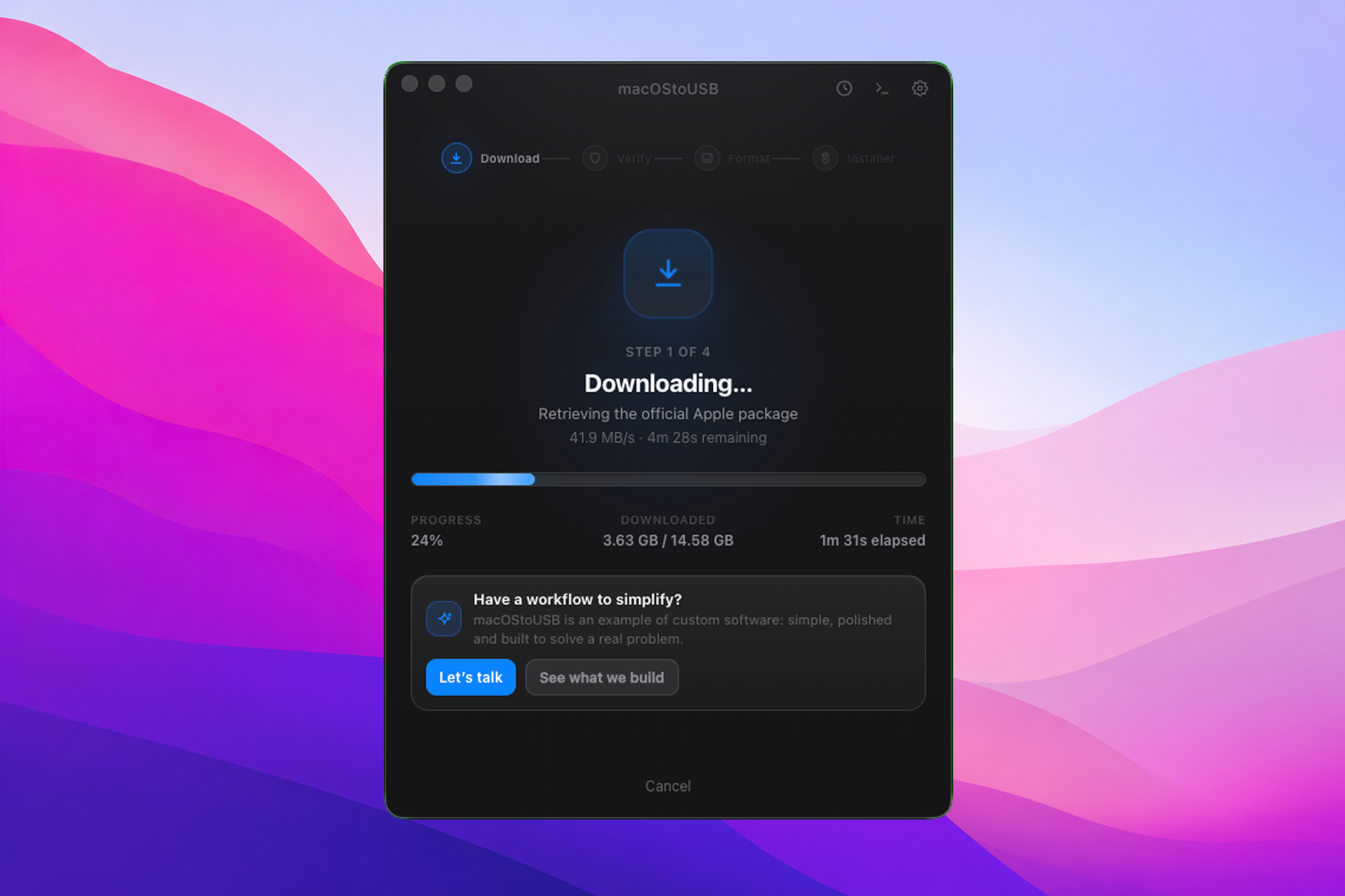
Connection lost? No problem. Resume your download exactly where it stopped.
Strict automatic checks and detailed logs, ideal for technicians and IT professionals.
Receive continuous improvements in the background, fully transparent and non-intrusive.
Everything you need in 15-35 minutes. About the time of a coffee.
Select release and build directly from the integrated catalog, always up to date.
The app automatically detects compatible devices and guides you through a safe selection.
Monitor the process in real time, with cryptographic checks to ensure integrity.
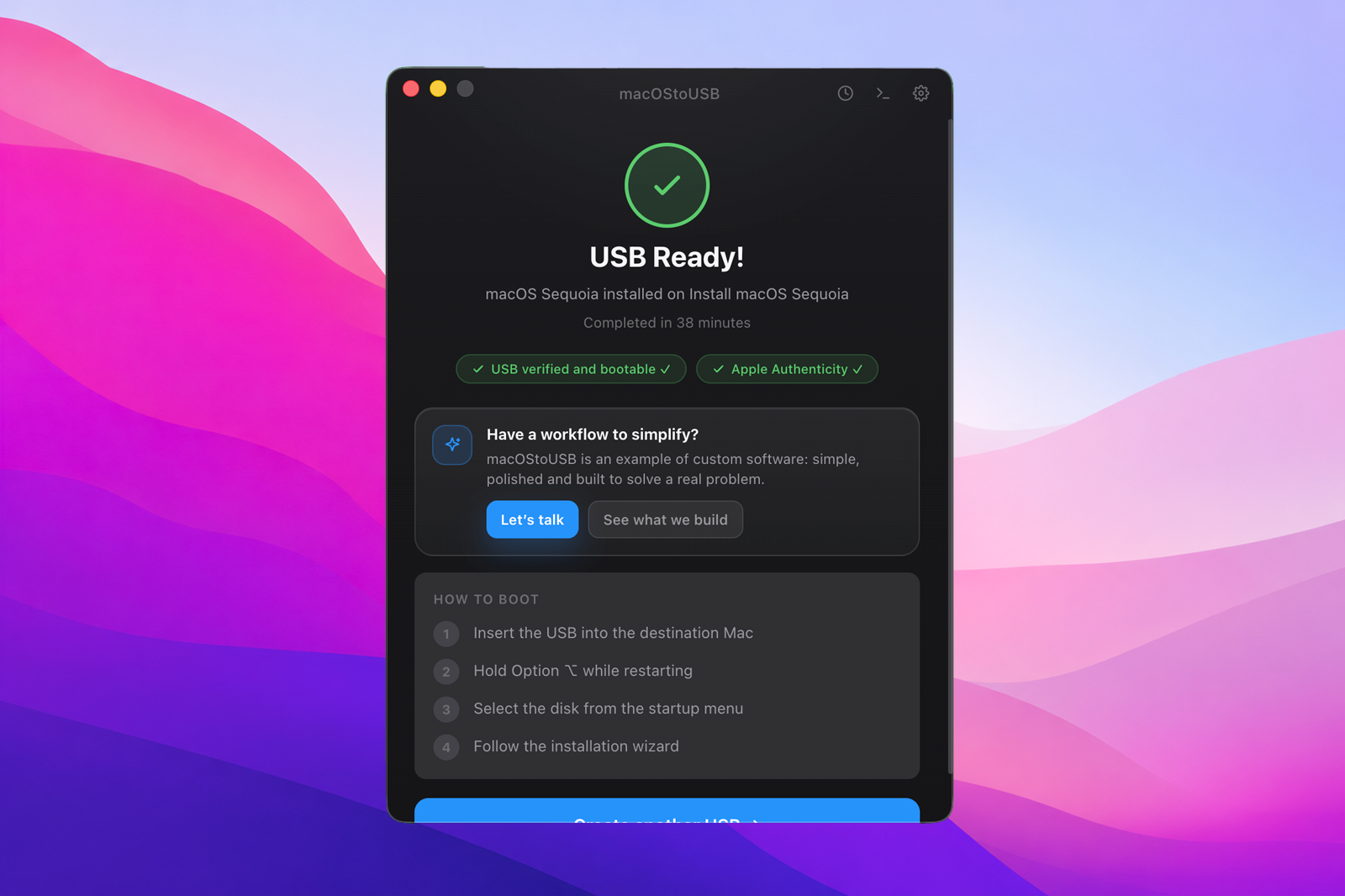
Insert the USB into the target Mac and continue with installation or recovery.
A native, clean, familiar interface. Exactly how a Mac app should feel.
Everything you need to know, with full transparency.
Absolutely. macOStoUSB is completely free and does not require any registration or subscription.
Depending on Apple's official download flow, you may be asked to sign in with your Apple ID to download specific macOS versions.
Yes, the app is universal and natively supports both Mac architectures for maximum performance.
Yes. You can prepare the drive on your current Mac and use it to restore or update any other compatible Mac.
On average 15 to 35 minutes. Actual time depends on your internet speed and your USB drive write performance.
No problem. Our smart resume system continues the download exactly where it stopped, saving time and data.
Yes. The app is signed and notarized by Apple. It also performs strict integrity checks before writing to the USB drive.
Our team is always available. Contact us at help@worksdem.com.
If you run into issues, our support team is ready to help quickly.
Created by Worksdem
Apps, management tools, and platforms designed around how people actually use them. Design and engineering for professionals.